
Instagram Login

To access your Instagram account from any device, you will require your login credentials which include your Instagram username, phone number or email address linked to your account and password. If you have connected your Facebook account to Instagram, you can also log in through Facebook. Simply follow this guide to log into your account from any device such as your phone, tablet or a computer browser.
Logging into Instagram on a Mobile Device
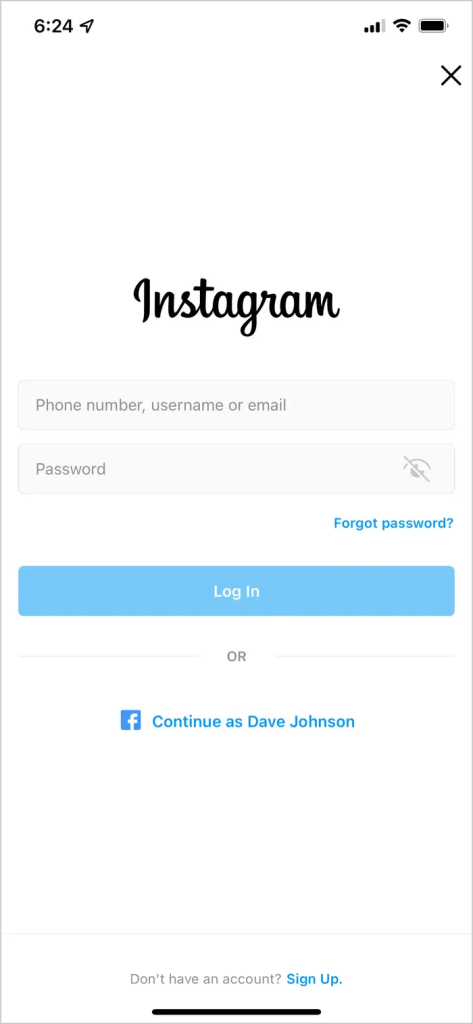
- Open the Instagram app on your mobile device.
- Tap on the "Log In" button or the profile icon in the top-right corner.
- Enter your Instagram username, phone number, or email address linked to your account.
- Type in your password.
- Tap "Log In" to access your account.
Logging into Instagram on a Computer
Accessing your Instagram account on a computer, whether it's a Mac or PC, is the same straightforward process. Here's what you need to do:
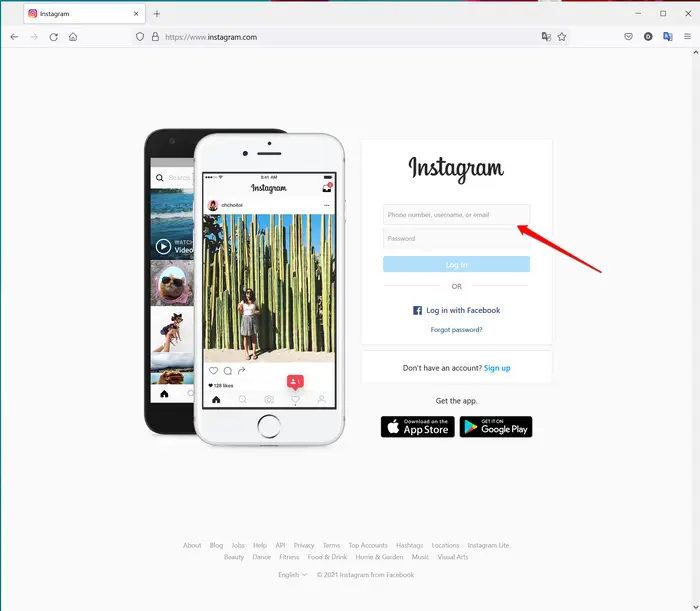
- Open a web browser and go to Instagram.com.
- Click on the "Log In" button or the profile icon in the top-right corner.
- Enter your Instagram username, phone number, or email address linked to your account.
- Type in your password.
- Click on the "Log In" button to access your account.
It's that simple! No matter if you're using a Mac or PC, the process to log into your Instagram account remains the same.
Logging into Instagram Using Facebook
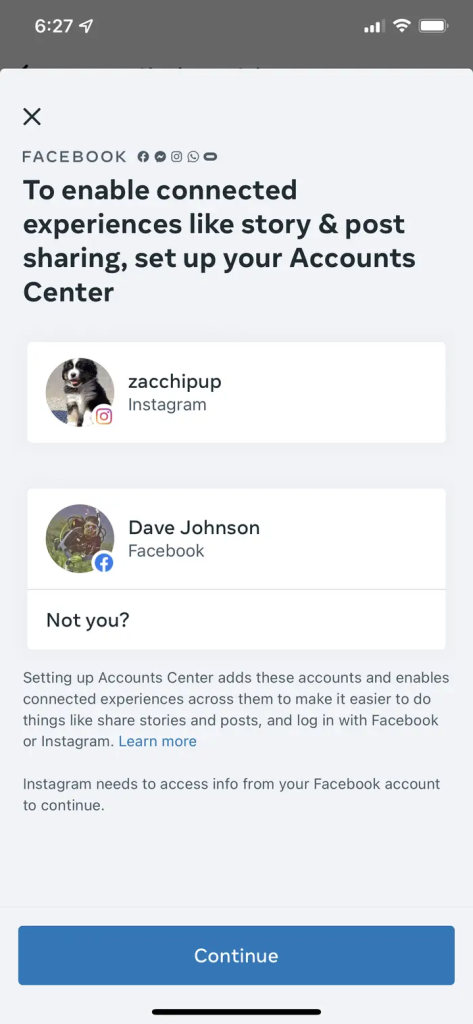
Linking your Instagram and Facebook accounts allows for seamless sharing of Instagram posts on Facebook and the option to log into Instagram using your Facebook credentials. To connect the accounts, go to Settings in the Instagram app, select Sharing to Other Apps in the Account section and connect to Facebook. You can then log into Instagram using Facebook by clicking "Log in with Facebook" on the login page.
If you experience issues with logging in, it may be necessary to change or reset your Instagram password.